

Ask
A voice helper that explains with pictures
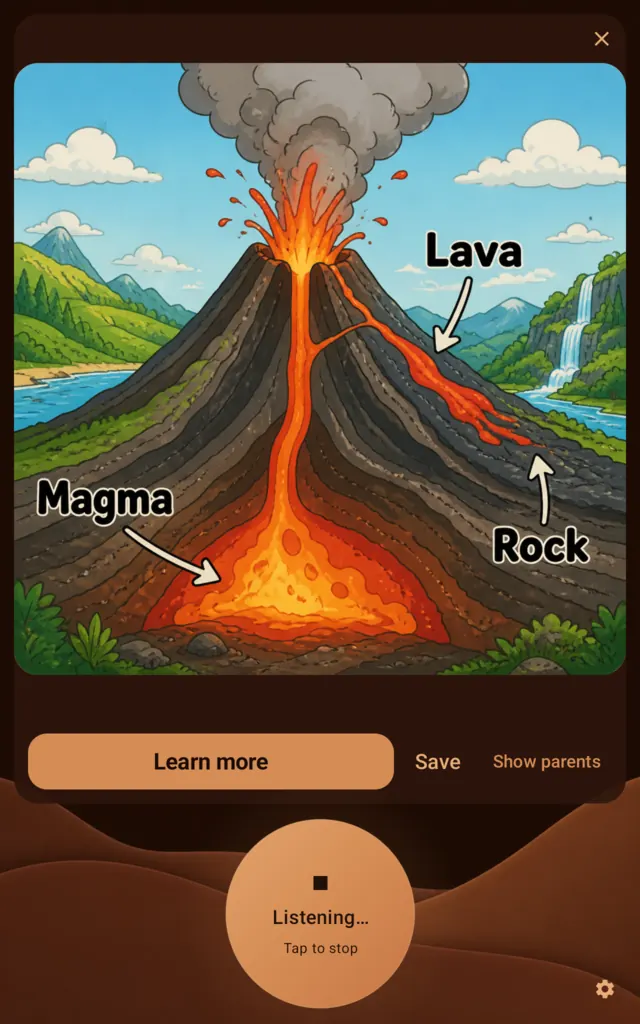
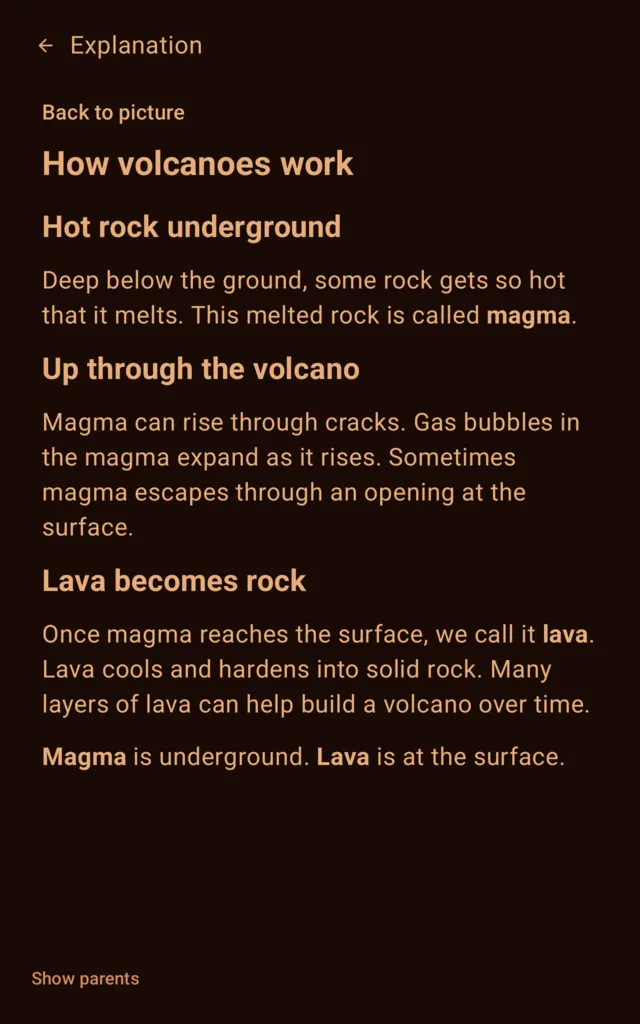
Tap, ask “how do volcanoes work”, and hear the answer while a labelled picture appears. Save it, read more, or send it to a parent.
- Ages 7+
- Voice
- Parents see shared answers
- gpt-live-1
The Kids Computer is an educational tablet for children: learning, making things and kid-safe AI in one calm place that parents can manage easily.
Join the waitlistFor families who want screen time to teach and to make things, not to feed endless videos or jump between apps that do not know each other.
Kids move objects, test ideas, play and build, with short instructions and quiet screens. MathQuest follows primary-school maths. Spelling brings words back with spaced repetition.
8 of 13 apps work with no internet. Voice answers, chat and pictures need a connection, because the AI runs on our servers.
There is no video app, no browser and no app store on the tablet. Nothing to scroll for hours, nothing to buy, no ads. Only apps made for kids, and only the ones you approve.
Kids ask out loud and see the answer. These apps run AI on our servers, so they need the internet.
A voice helper that explains with pictures
Tap, ask “how do volcanoes work”, and hear the answer while a labelled picture appears. Save it, read more, or send it to a parent.

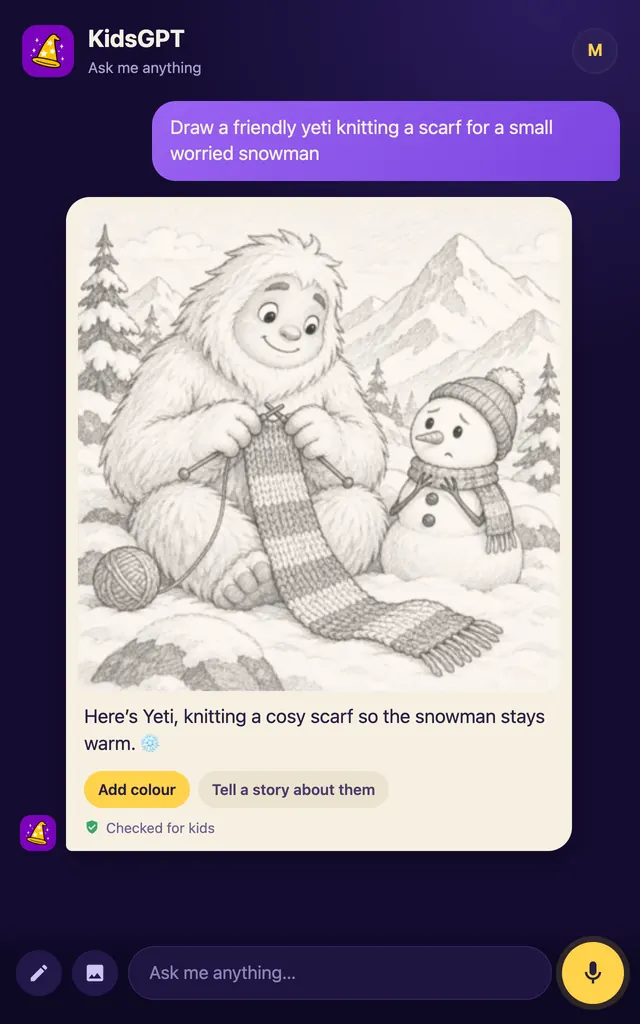
A kid-safe chat that answers, draws and tells stories
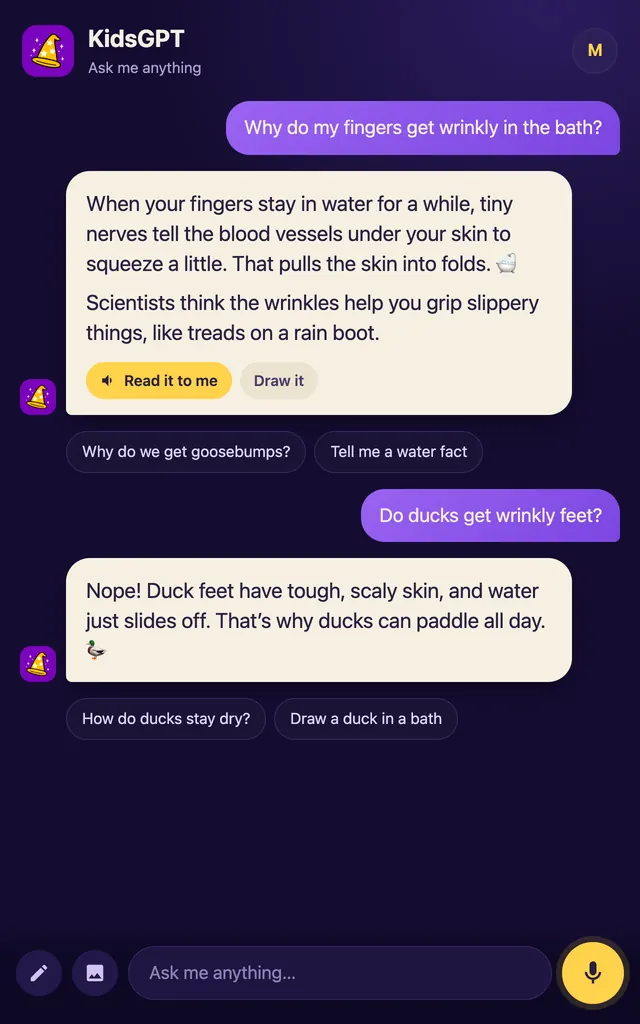
Type or speak a question, ask for a picture or a story read aloud. Draw on the built-in pad and remix it. Kid-safe rules run on our server, and the tablet cannot change them. Every picture request passes a safety filter, and parents can read every chat. COPPA compliant.

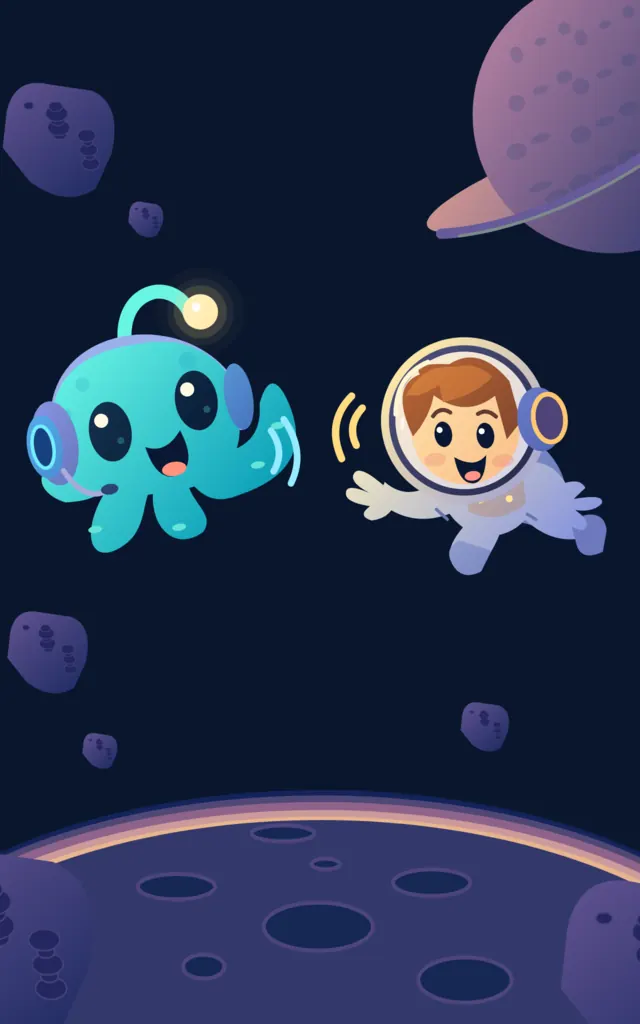
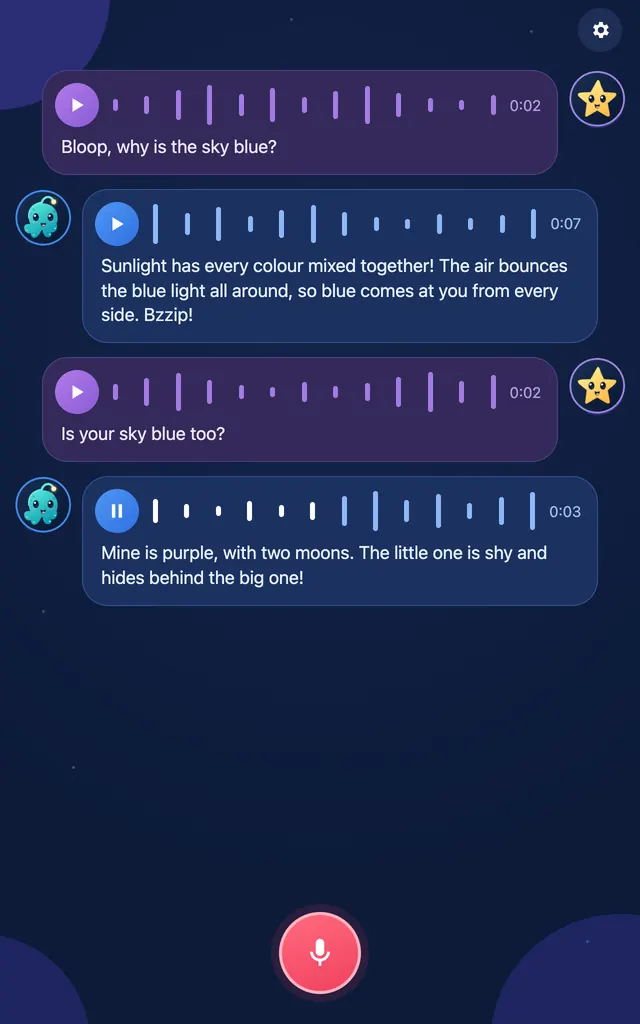
Talk to a friendly alien who talks back
Pick an avatar, tap the mic, say something. Bloop answers with its voice. No reading or typing needed.

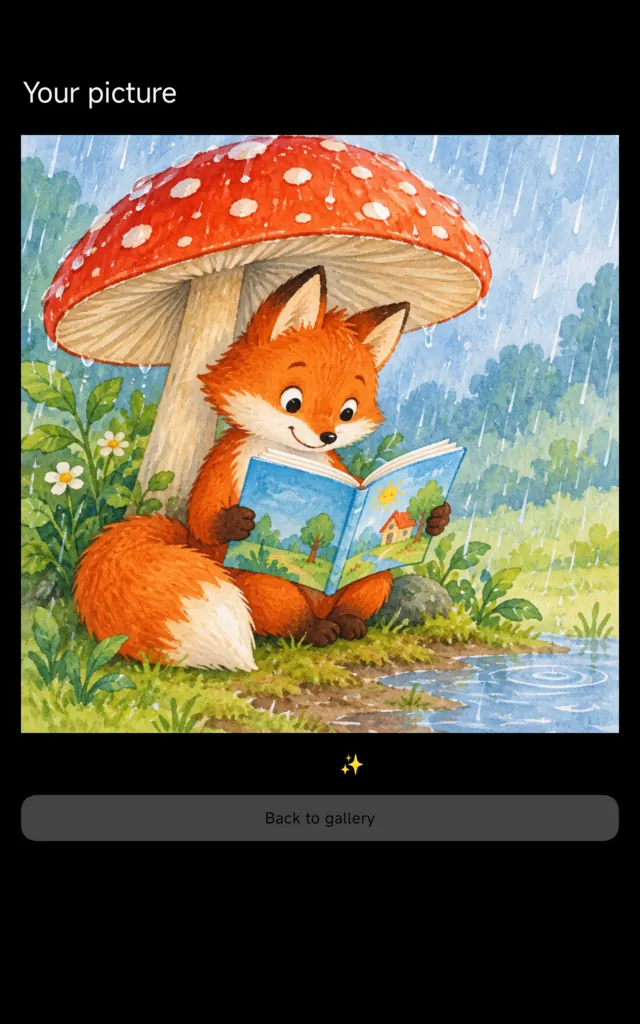
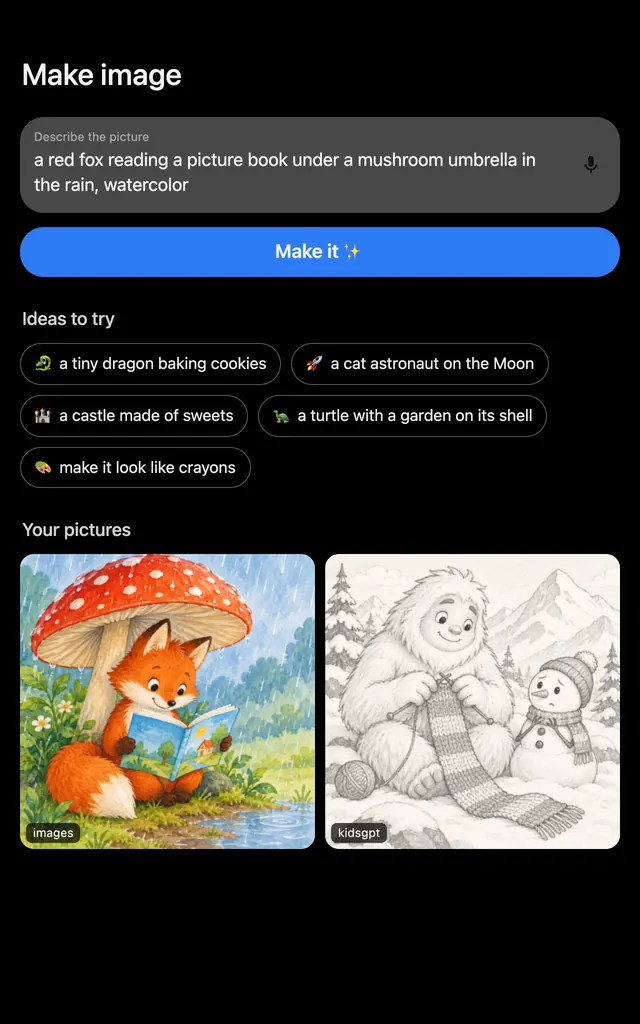
Say what to draw, and the app paints it
Describe a picture with words or voice. It lands in the gallery a moment later. Remix it to try again.
Hands-on lessons with a voice. They work offline, and parents see how far the kid got.
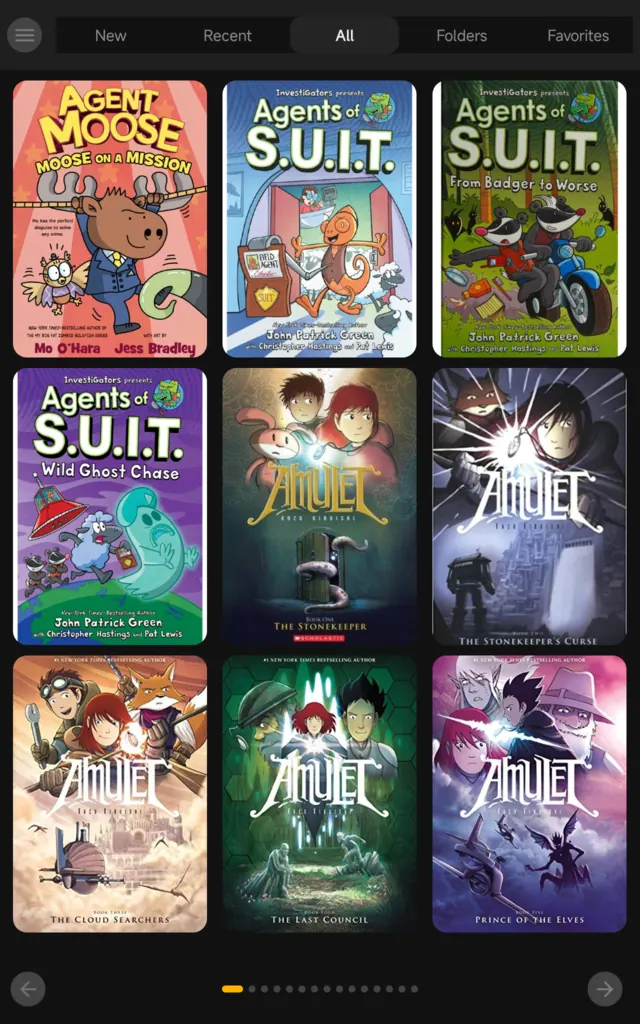
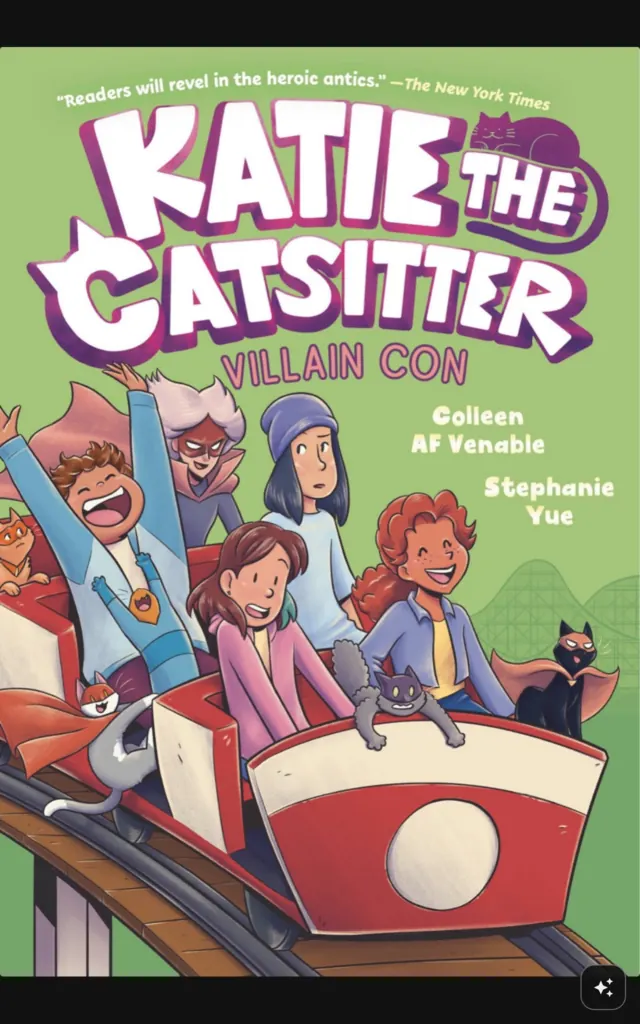
Books with a helper for hard words
A book reader with an AI helper built in. Tap ✨ on any page and the helper explains what is going on in the story, in words a kid understands.

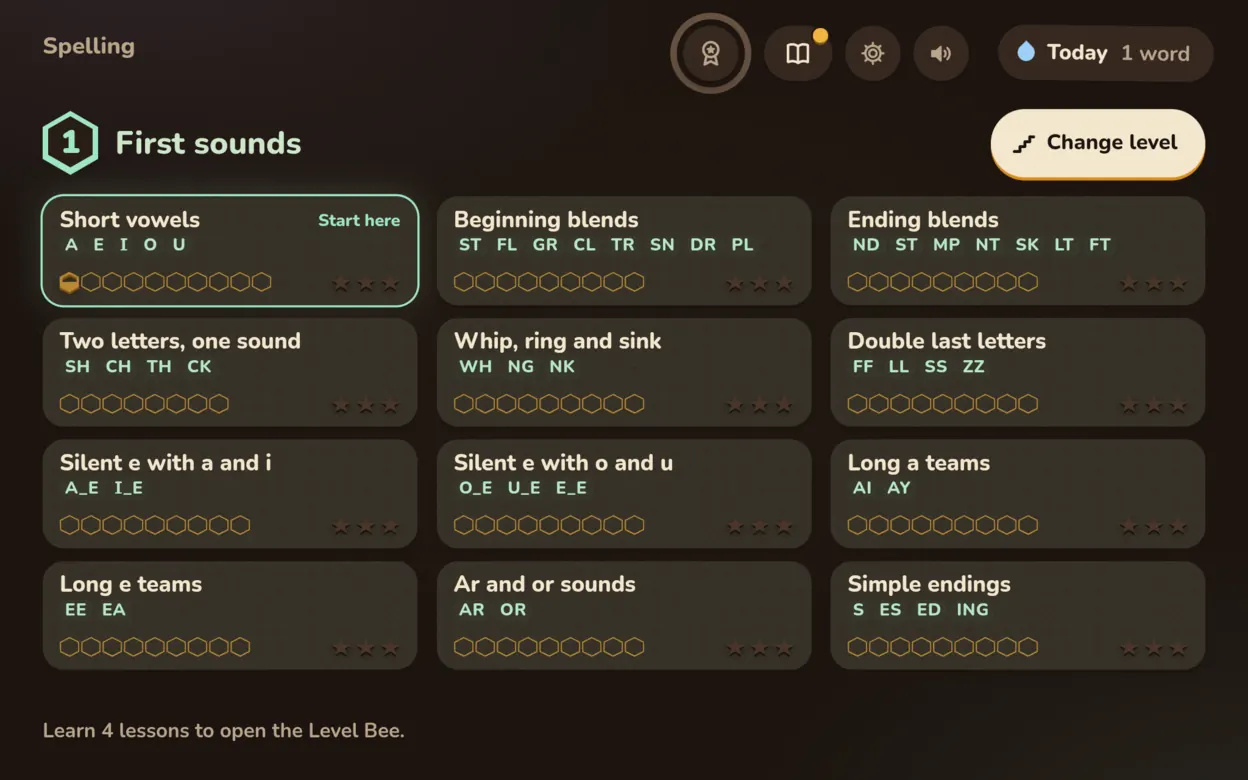
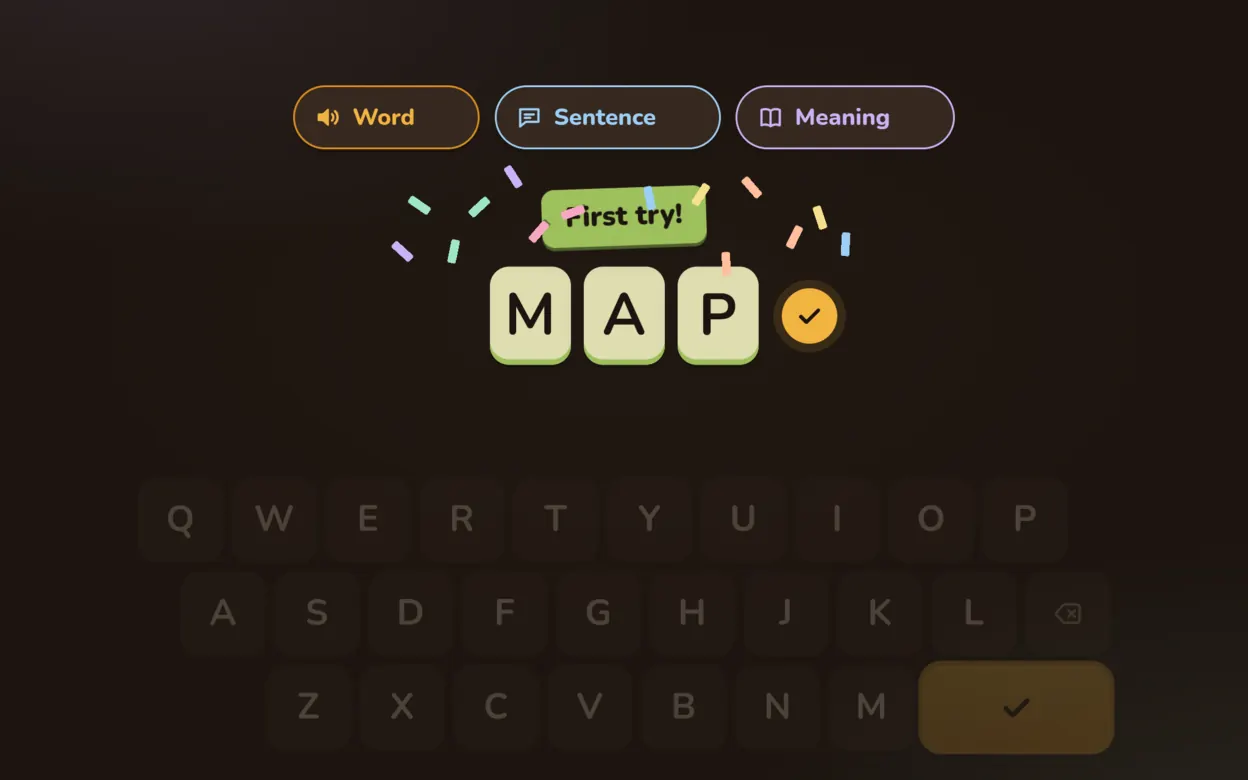
709 words in 72 lessons, each one spoken
Hear a word, its sentence and meaning, then spell it. Each learned word fills a honeycomb in the Hive.
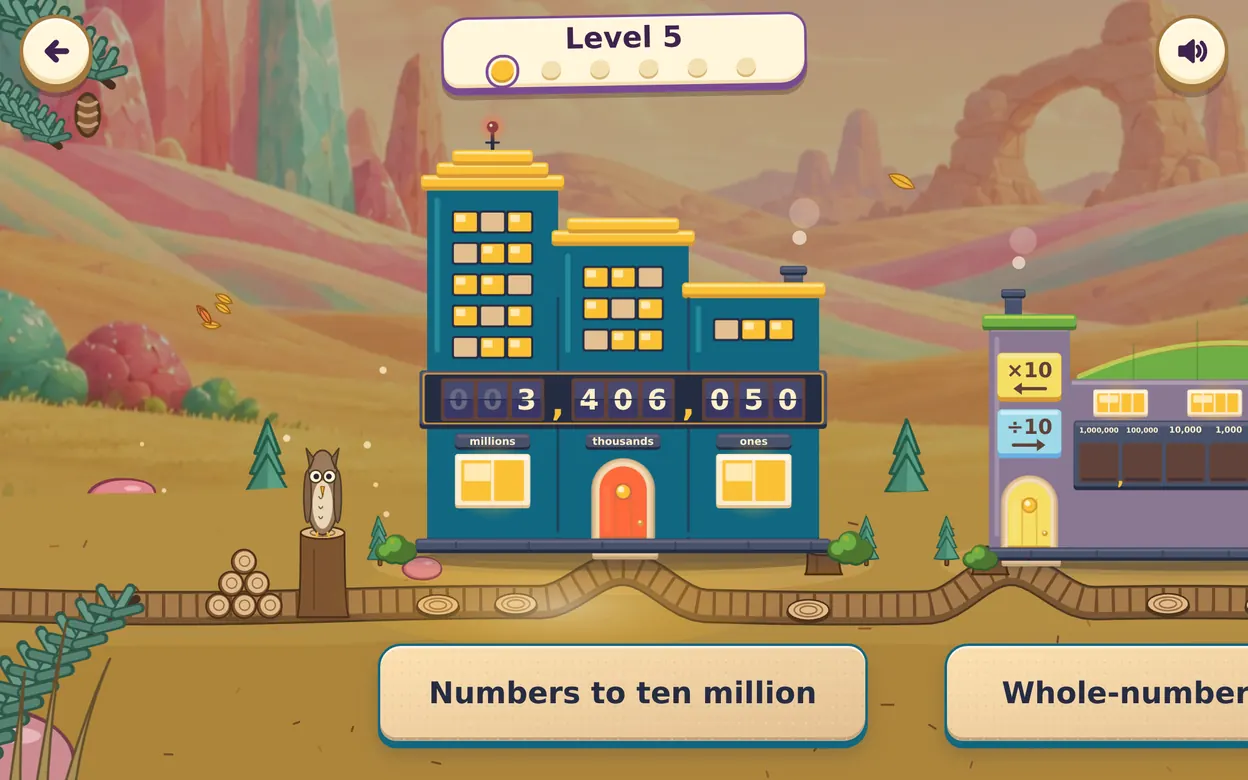
Primary maths as a journey across six lands
121 voiced lessons on the Singapore syllabus, P1 to P6. Learn a topic with your hands, then pass five practice questions.
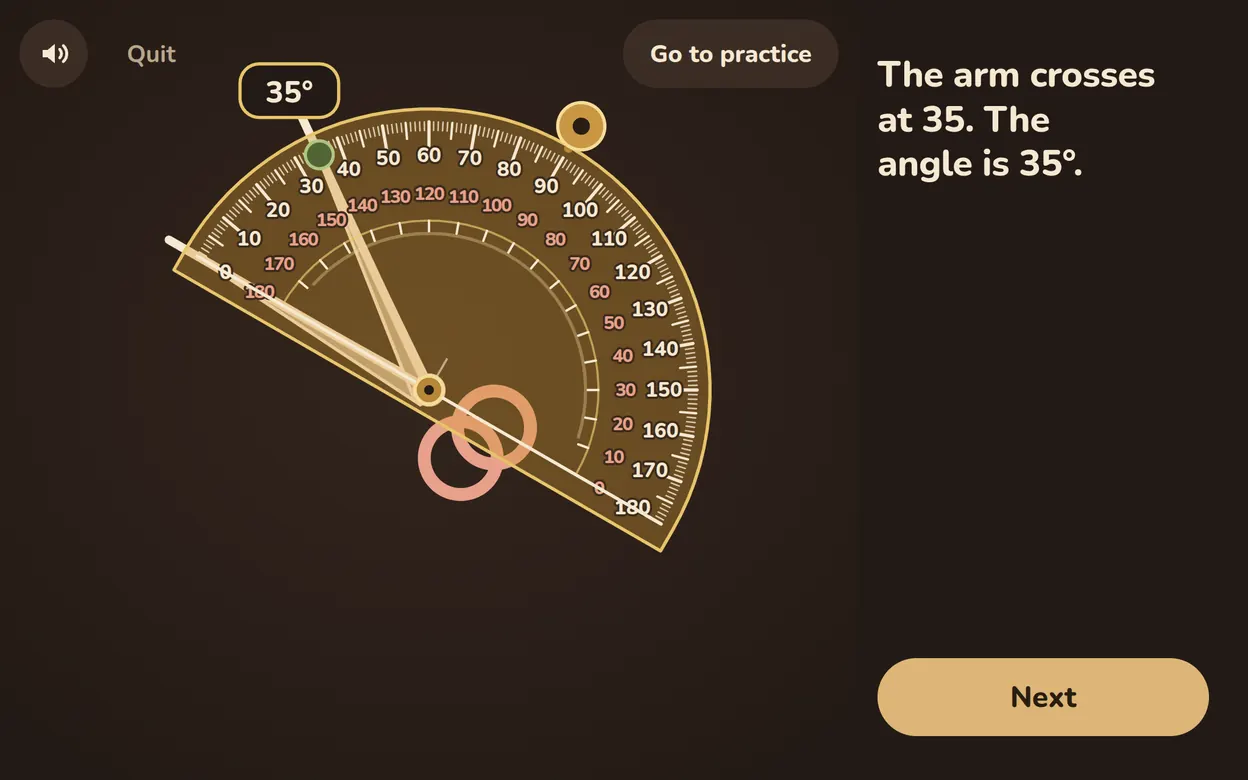
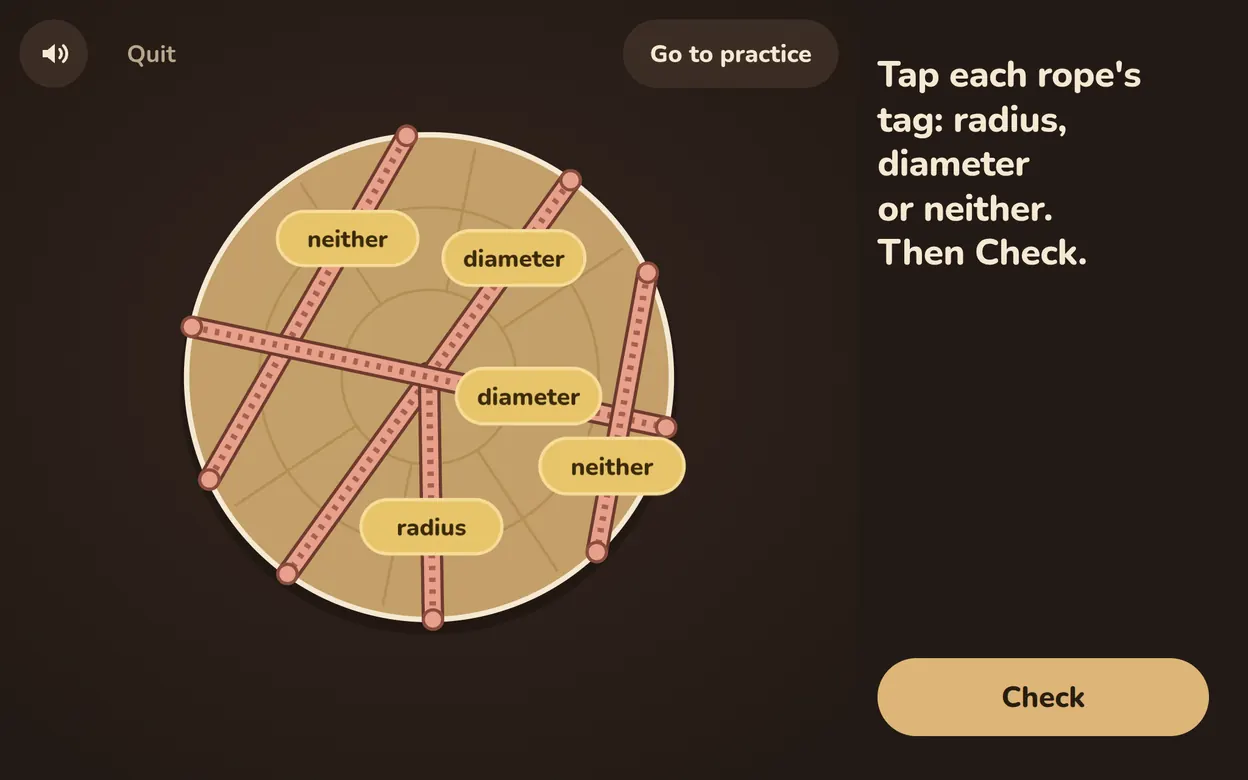
Cut it fair, name the piece
What a fraction is, learned by sharing food fairly. Cut pizzas and cakes into equal parts, name the pieces, find the bigger one, then add and take away. Covers the whole Primary 2 fractions syllabus, from halves to twelfths.

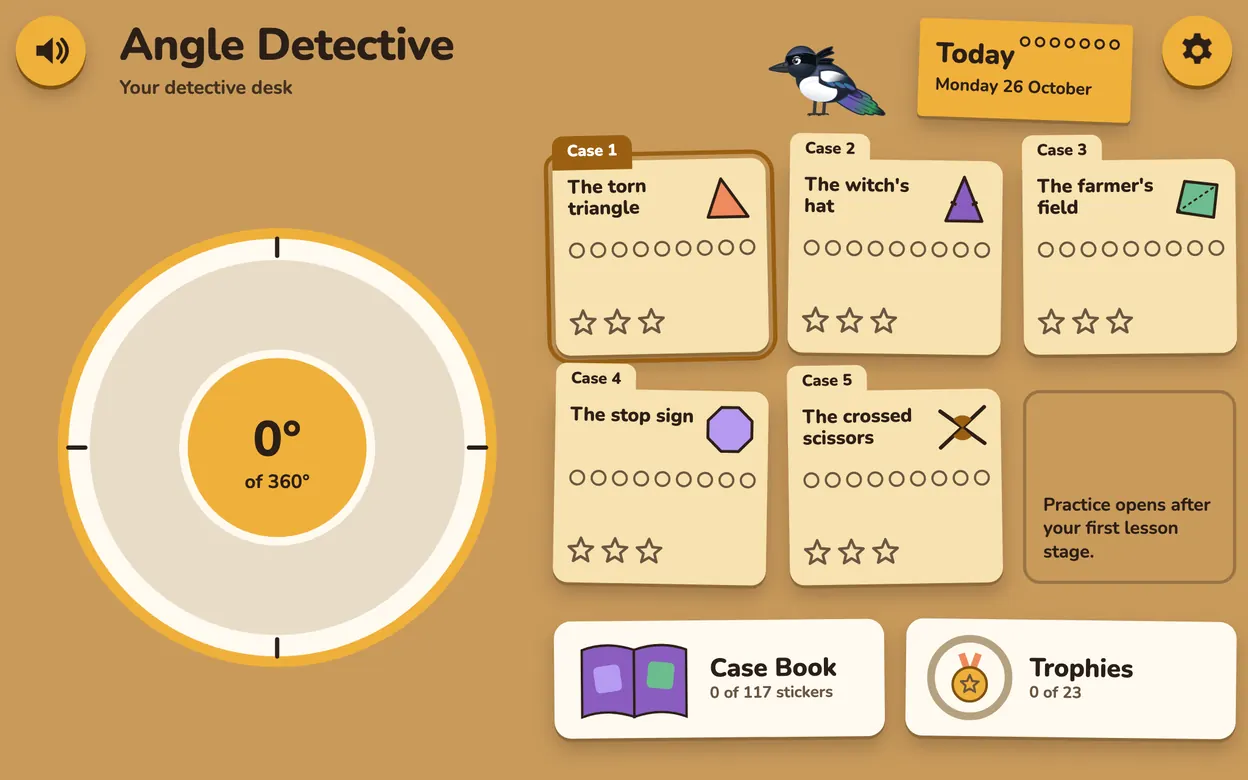
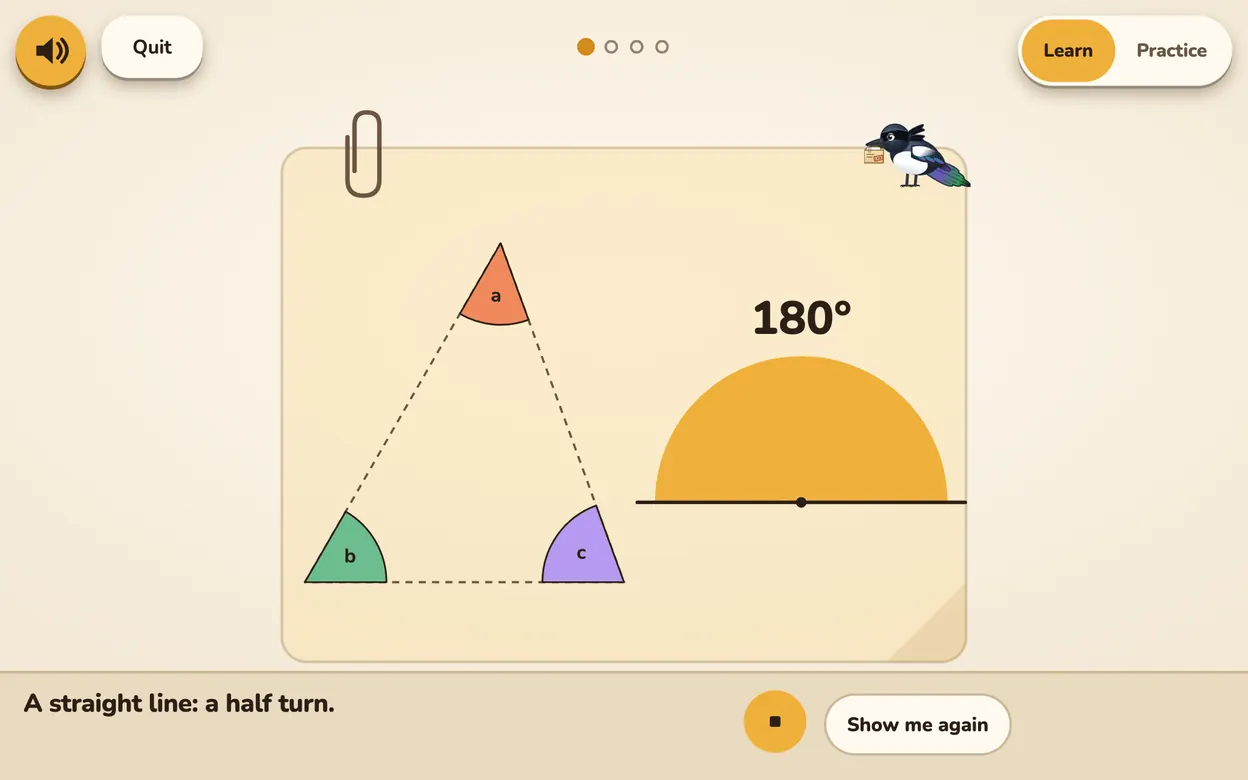
Solve cases, fix the usual angle mistakes
A magpie detective’s desk. Daily case cards on triangles, quadrilaterals and polygons. Close the case, win a trophy.

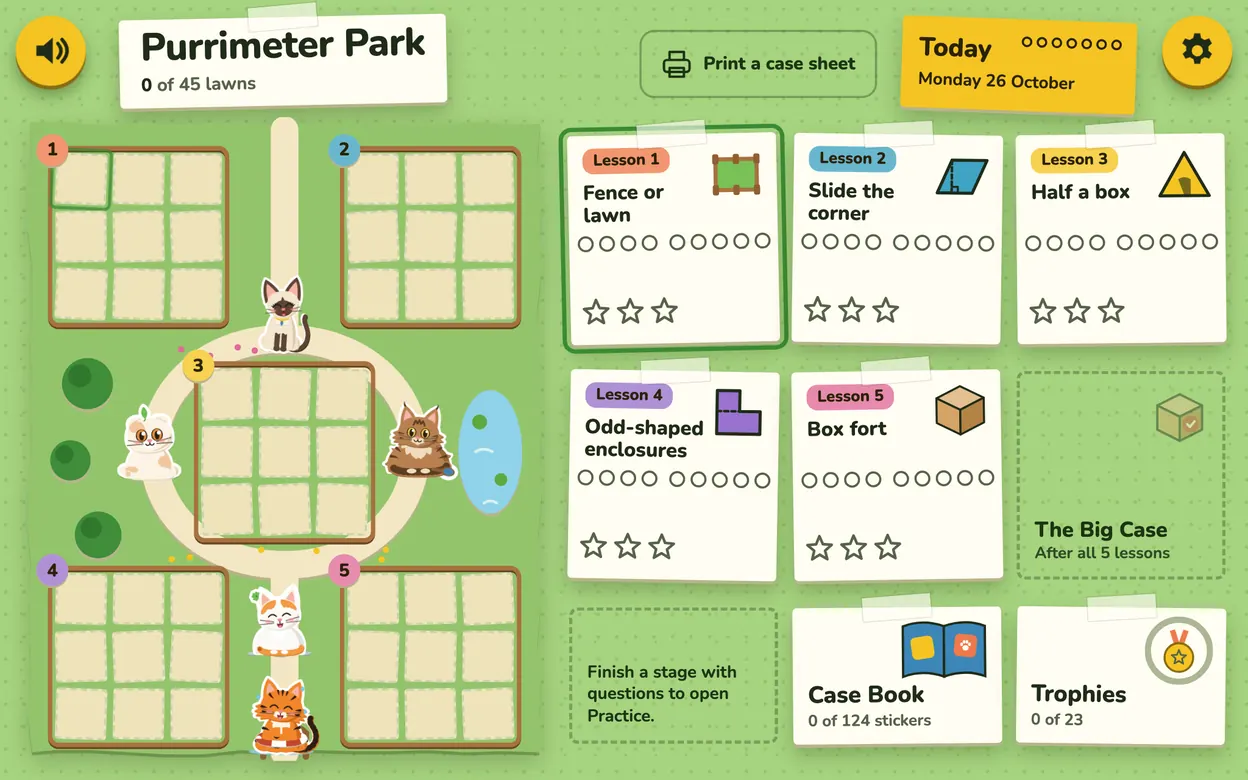
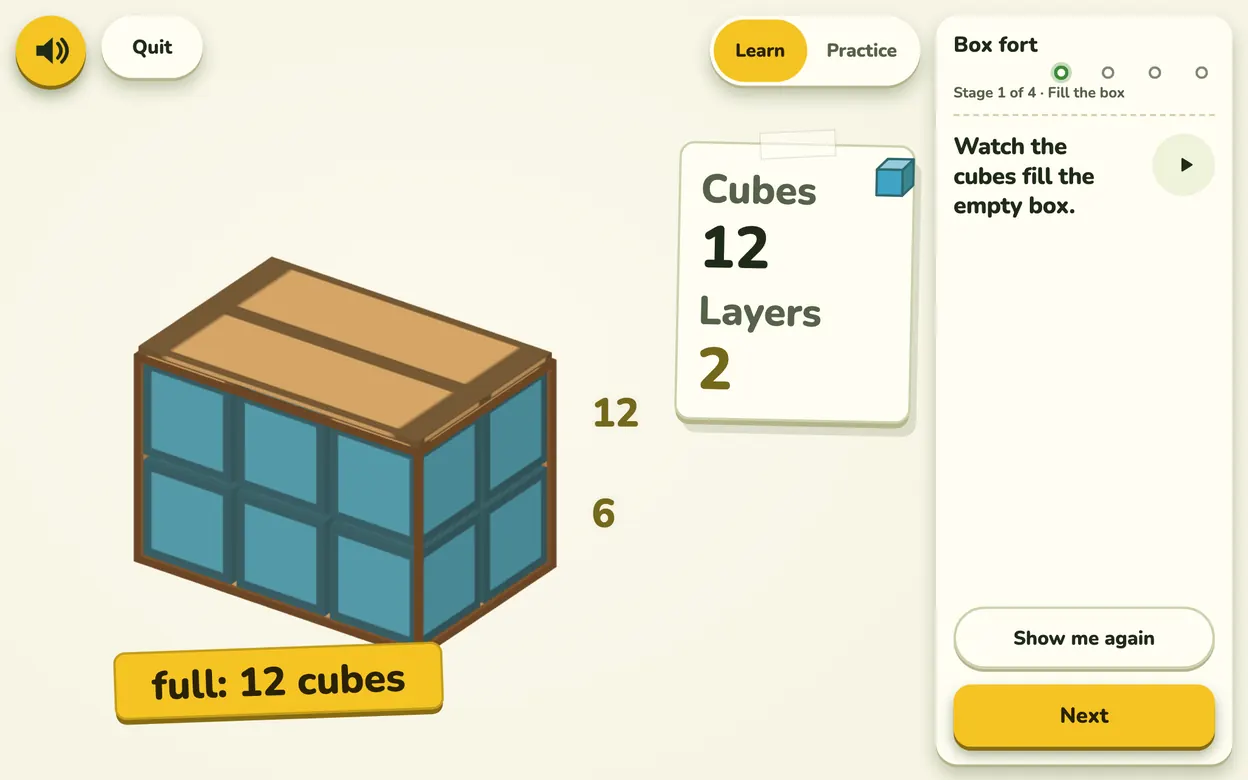
Fences, lawns and boxes for cats
Help Biscuit the cat build a park. Fence or lawn? Perimeter, area and volume puzzles, with 26 cats to collect.
Real chess, made for small hands. No ads, no shop, no timers.
Real chess with cartoon monsters
Ten computer levels, hints in pictures, undo. After the game, replay every move and see the best one.
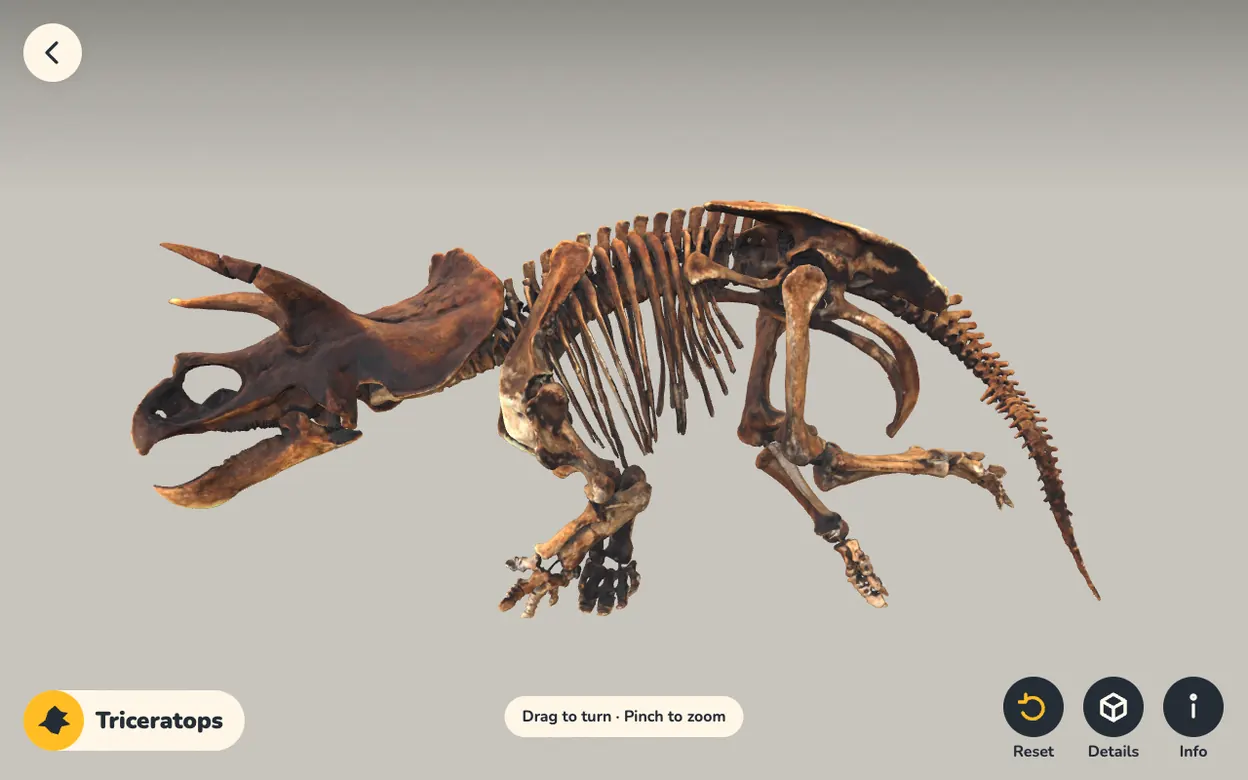
Built on real data: NASA orbits and a Smithsonian fossil scan.

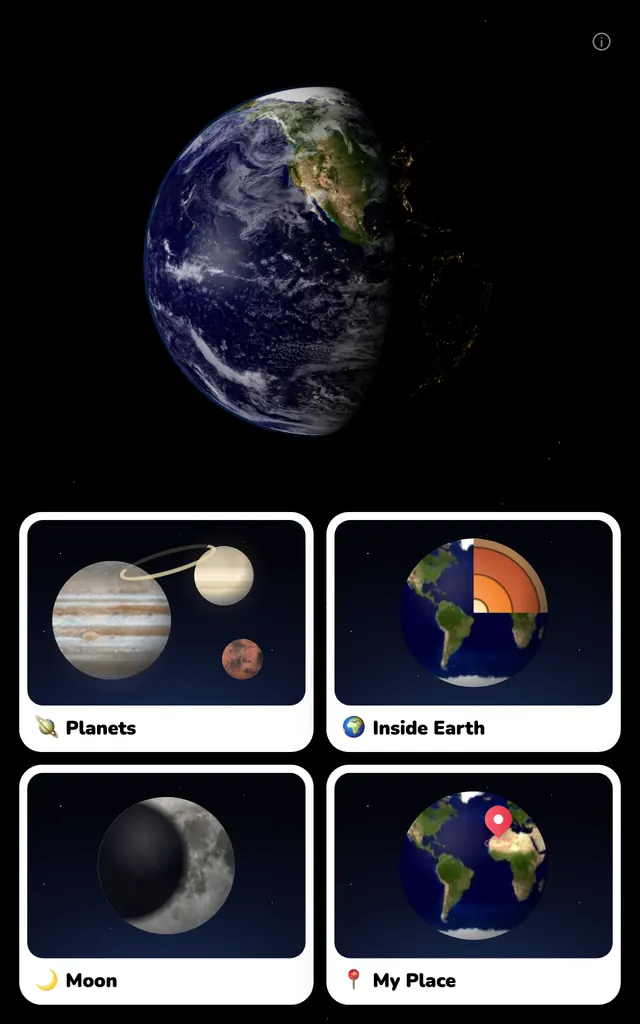
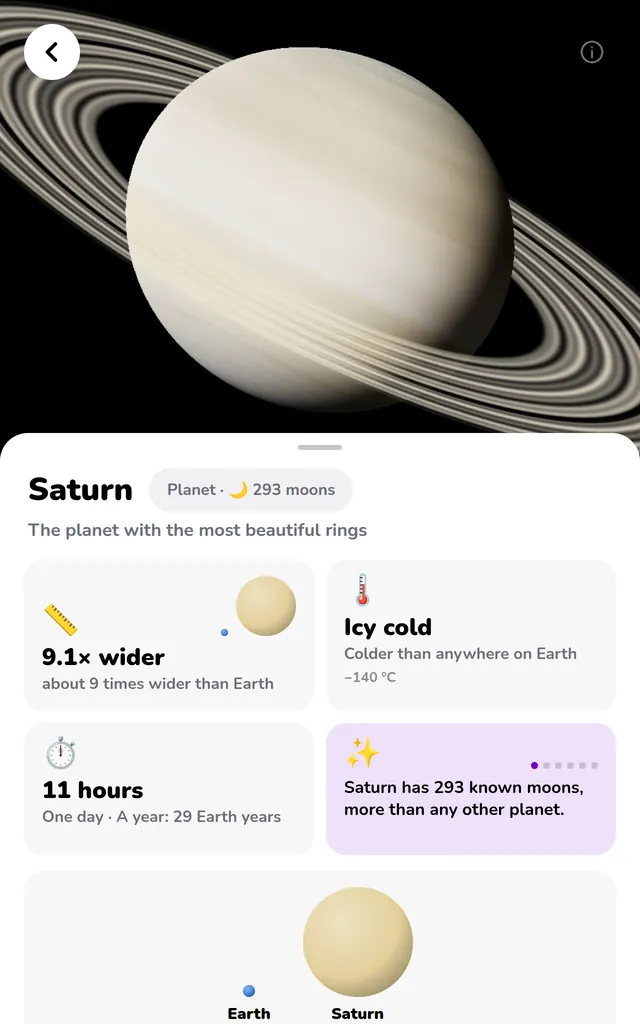
The Solar System in 3D
Fly to 36 planets and moons. Pull Earth apart layer by layer. Watch the Moon change shape.
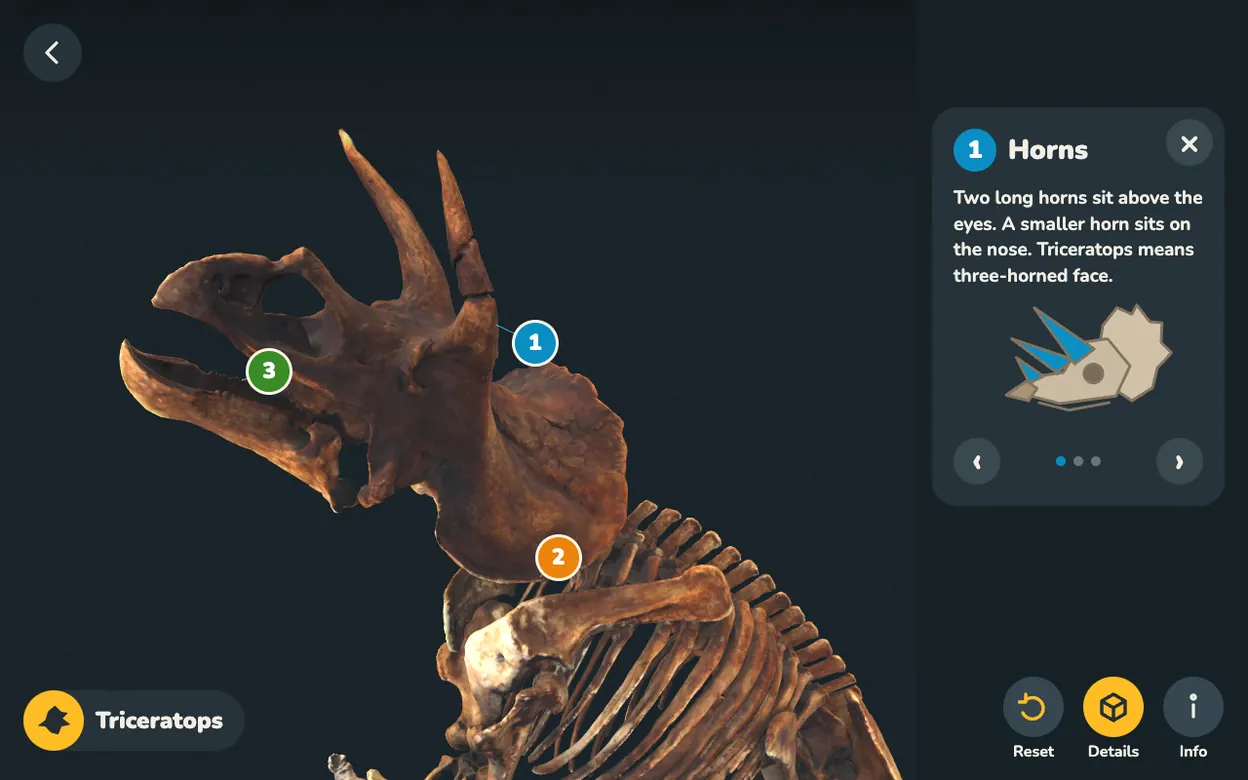
A real Triceratops skeleton in 3D
Turn it, zoom in, find all three horns. Short notes on the horns, frill and beak.
We’re cooking. New apps are on the way, and they reach every tablet with an automatic update.
A tablet that is useful without you building and fixing it yourself. You choose the apps and the hours; it does the rest.
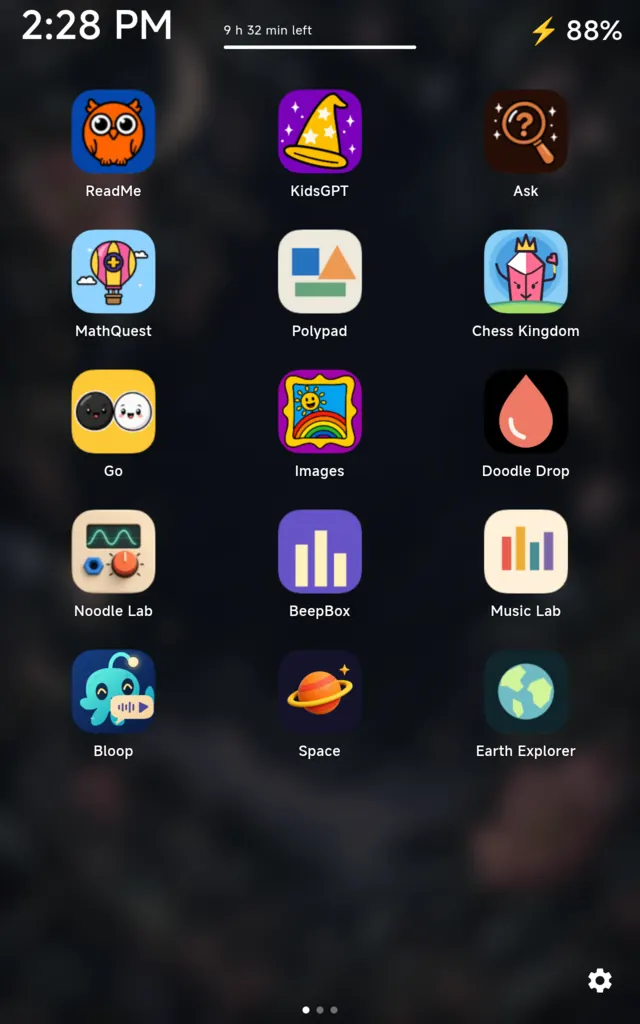
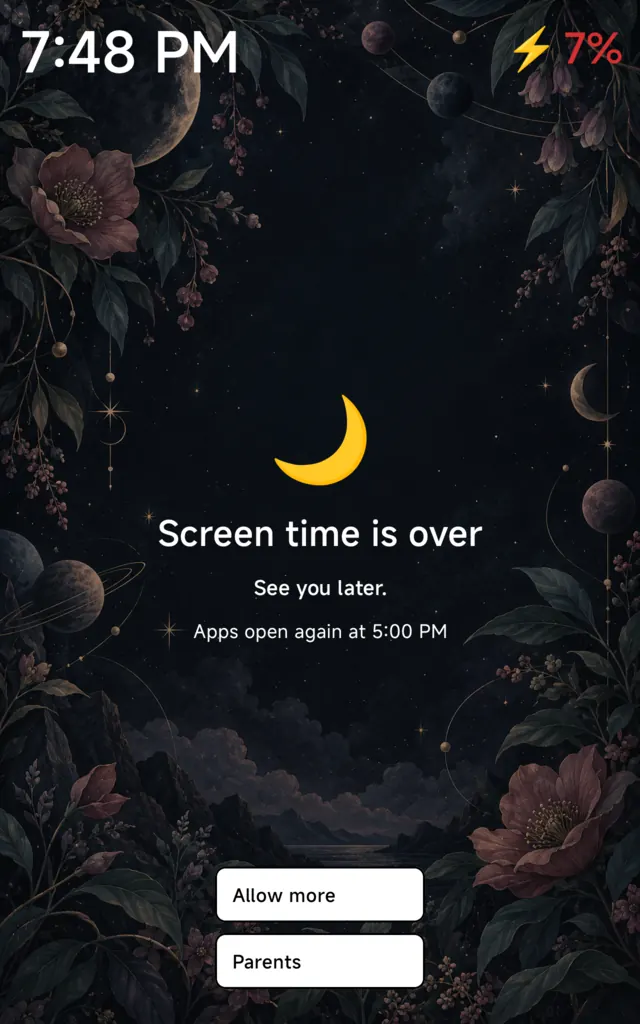
No store, no browser, no settings. When time is up, the tablet says so.
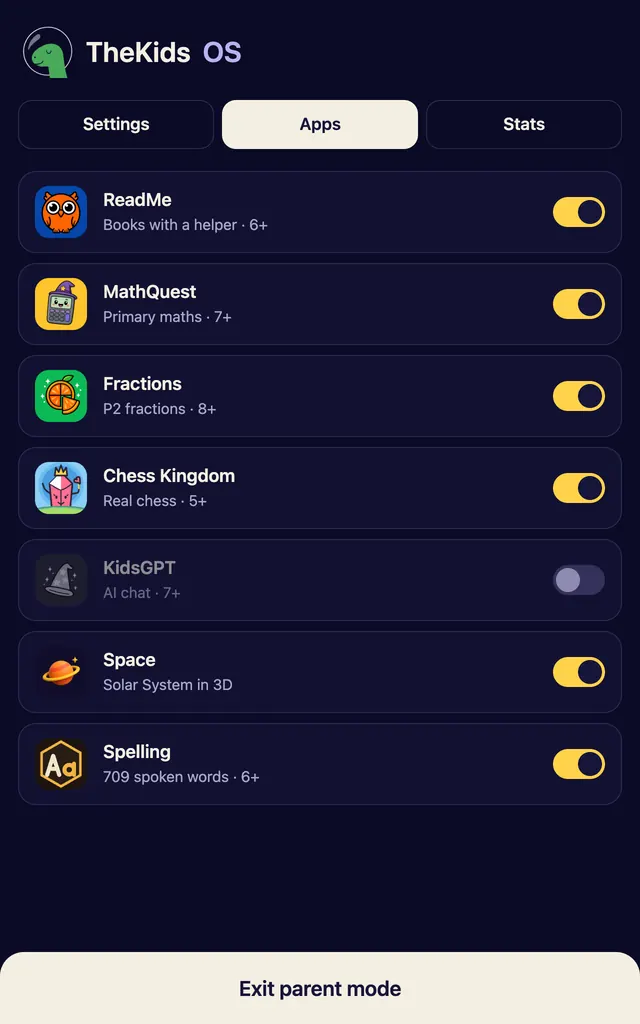
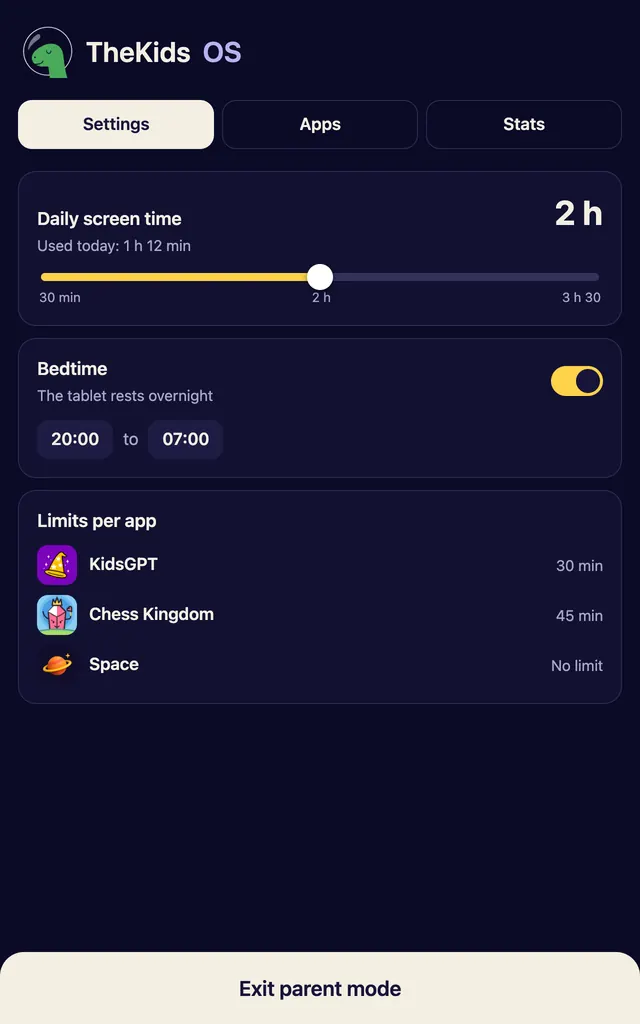
Show or hide each app, set time limits and bedtime. All behind a PIN.
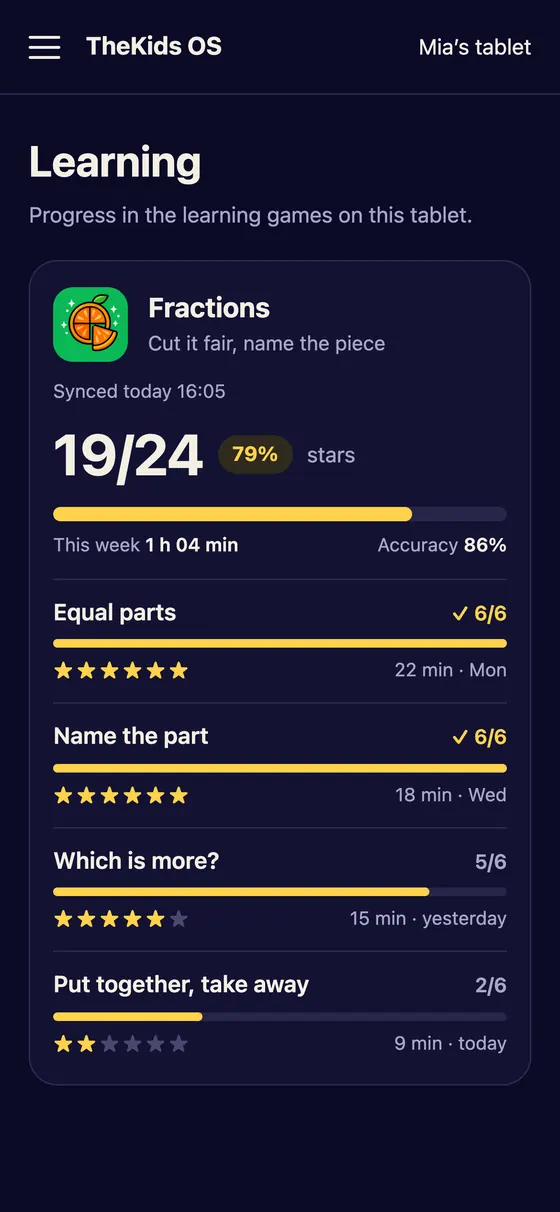
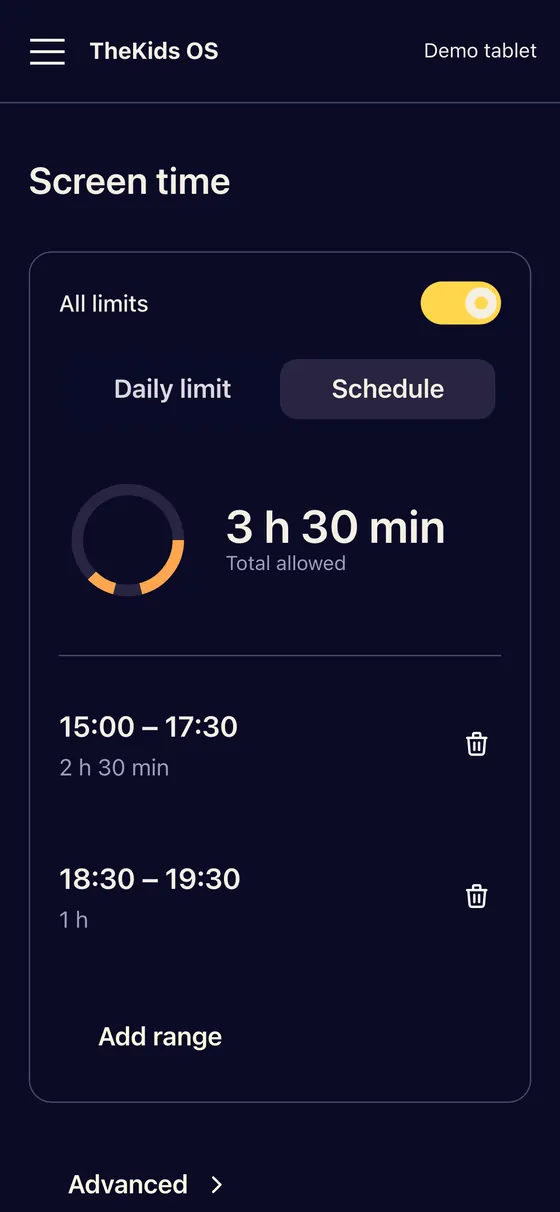
Progress, screen time, chats and pictures.
TheKidsOS is made for one tablet, not for any Android device. We build and test every app on this exact hardware, and it ships set up and locked to kids mode.
Leave your email and we will write when tablets are ready for families. One email when it matters, nothing else.